Add and manage exams
Add an academic-year exam, rename it and see which classes have published results
Open Exams
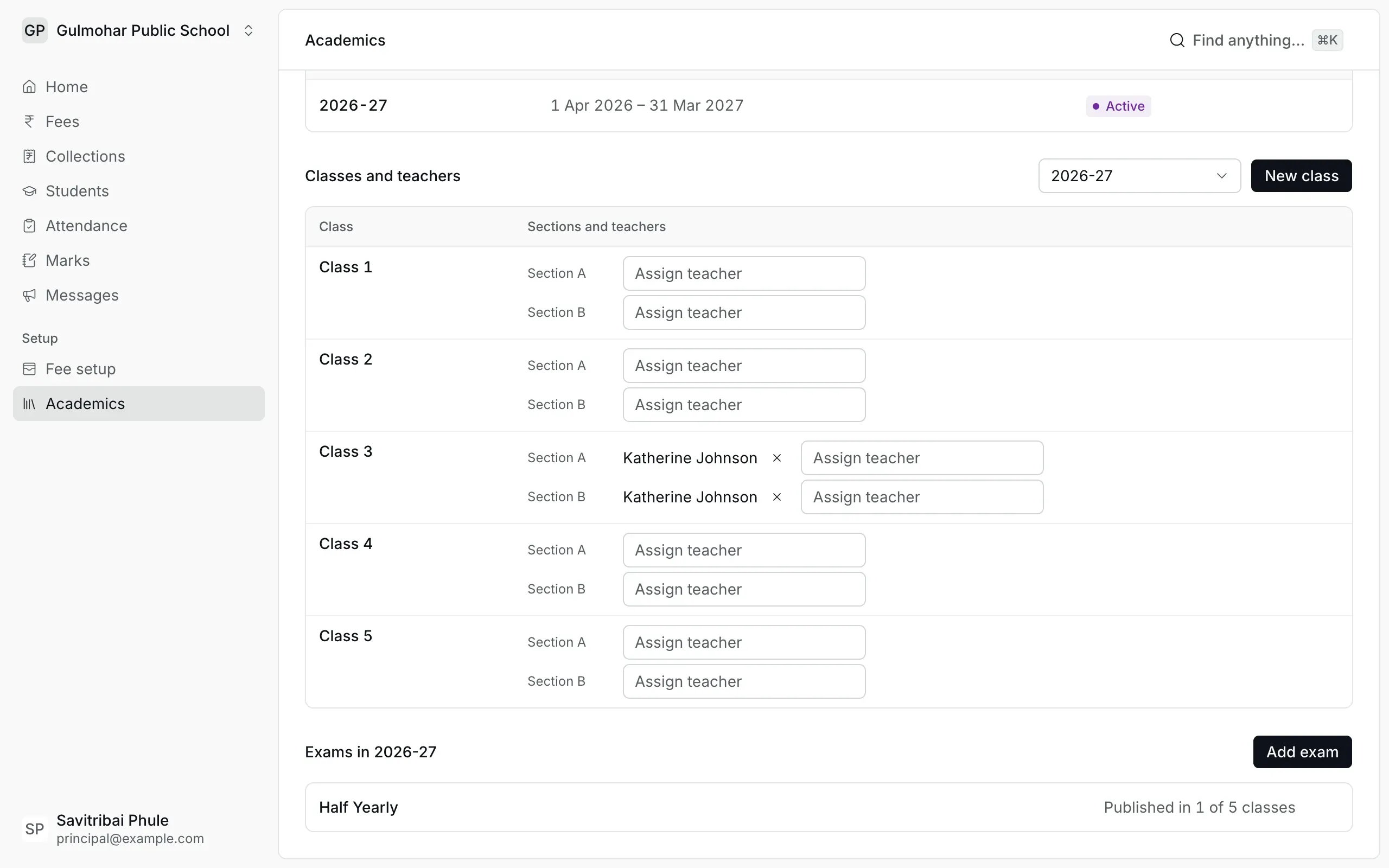
Open Academics (under Setup in the sidebar). The Exams in 2026-27 section follows the year chosen in Classes and teachers.
Name the exam
Click Add exam. Add exam to 2026-27 reminds you: “Every class of the year sits the exam.” Enter the Name, for example “Half Yearly”.
Save
Click Add exam. The message “Exam added” appears.
Each exam row shows how far it has got, for example “Published in 1 of 5 classes”. To change a name, click ⋯, then Rename. To delete an exam, click ⋯, then Delete; an exam with marks cannot be deleted.
Exams belong to the selected academic year. Set at most one as final for year-end decisions. Then enter the marks.